Overview:
Template Library is now integrated with the Marketplace, allowing users to install and sell templates in one place.
Browse, preview, purchase, and use templates or list your own to monetise all without leaving the platform.
Problem Statement :
Users had no way to discover, install, or monetize templates through a centralized marketplace.
Users couldn’t easily access premium templates, and creators had no streamlined way to distribute or sell their work.
What We Did :
We integrated the Template Library with the platform App Marketplace, enabling both template consumption and monetisation.
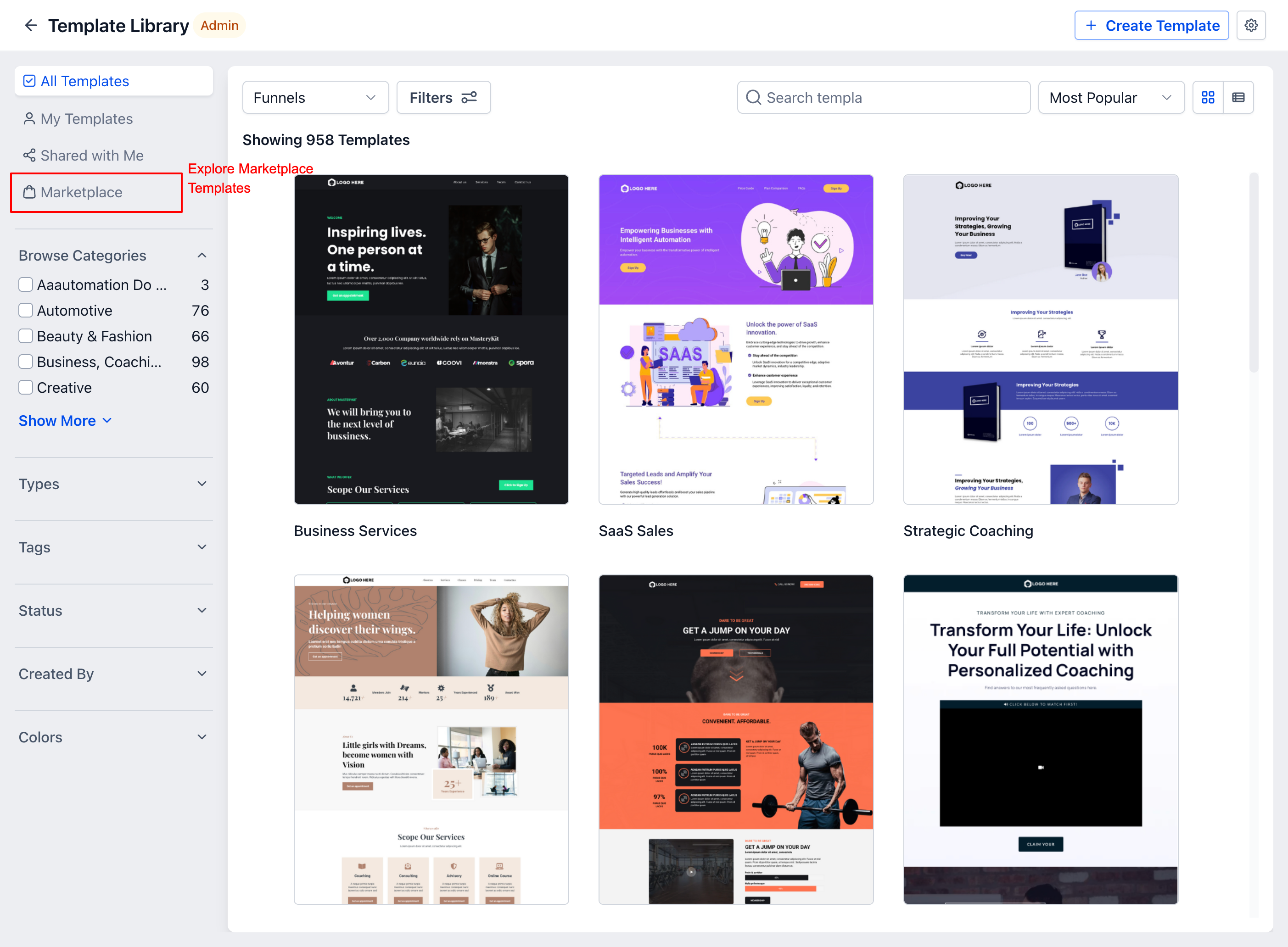
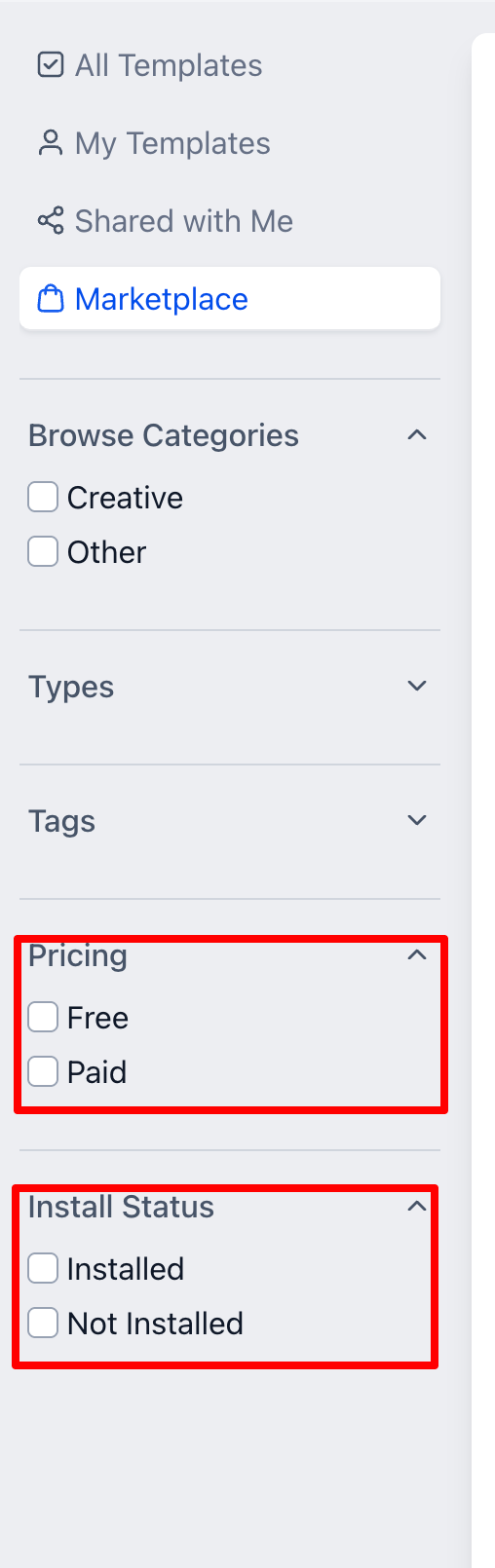
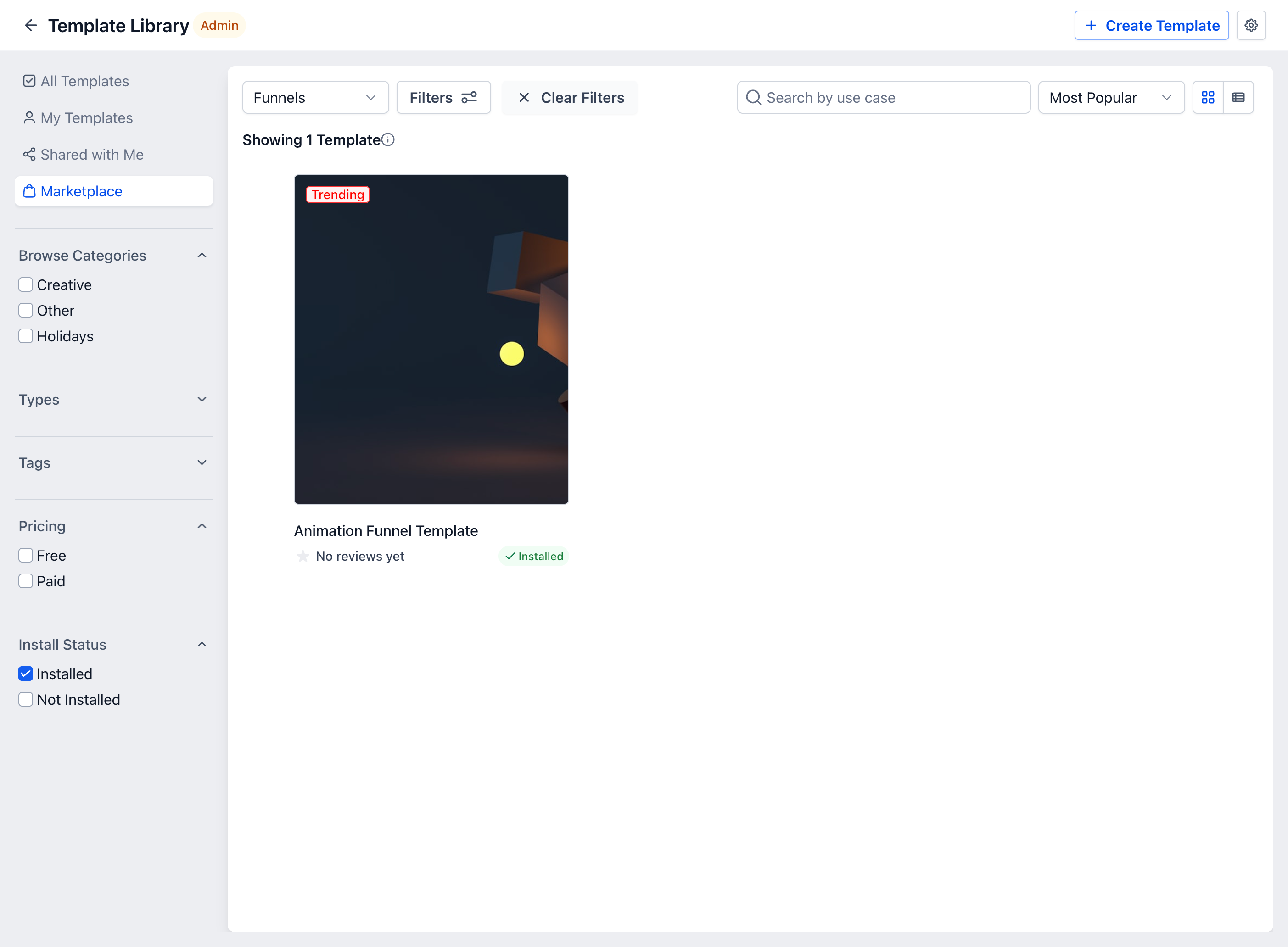
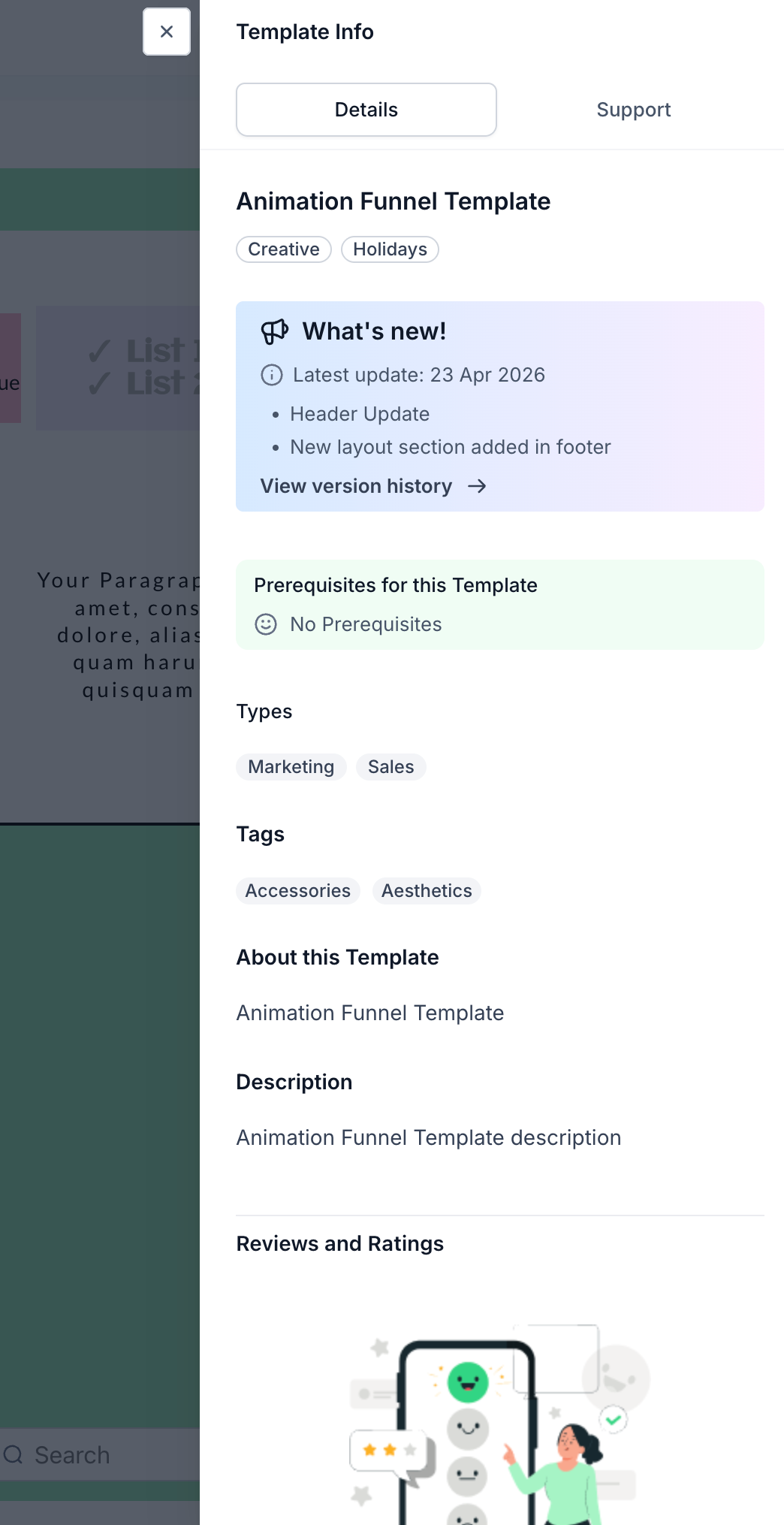
Added a Marketplace tab inside Template Library to browse and install templates
Enabled one-click template installation directly into Email, Funnel, and Website builders
Introduced template preview + purchase flow within Template Library
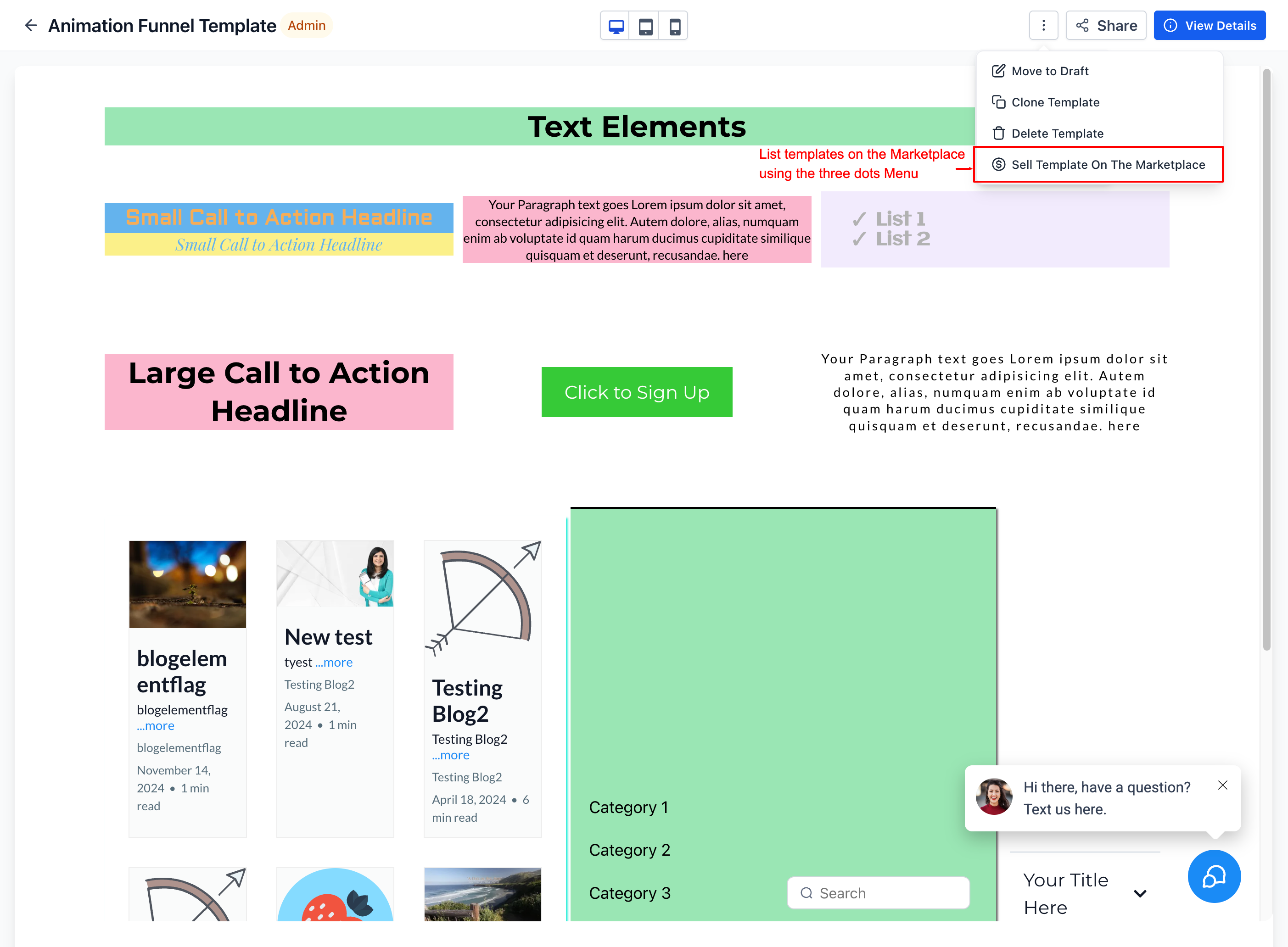
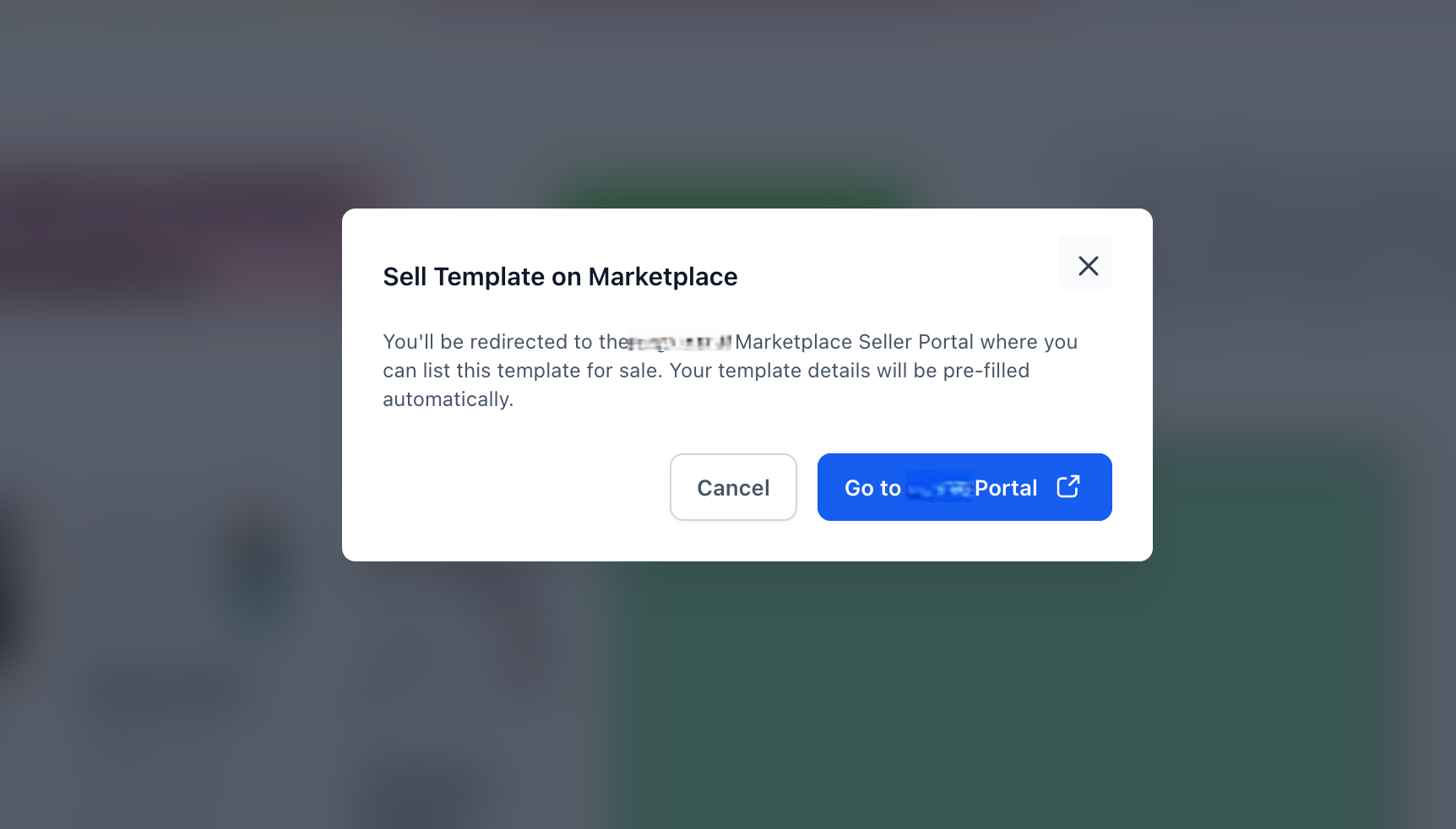
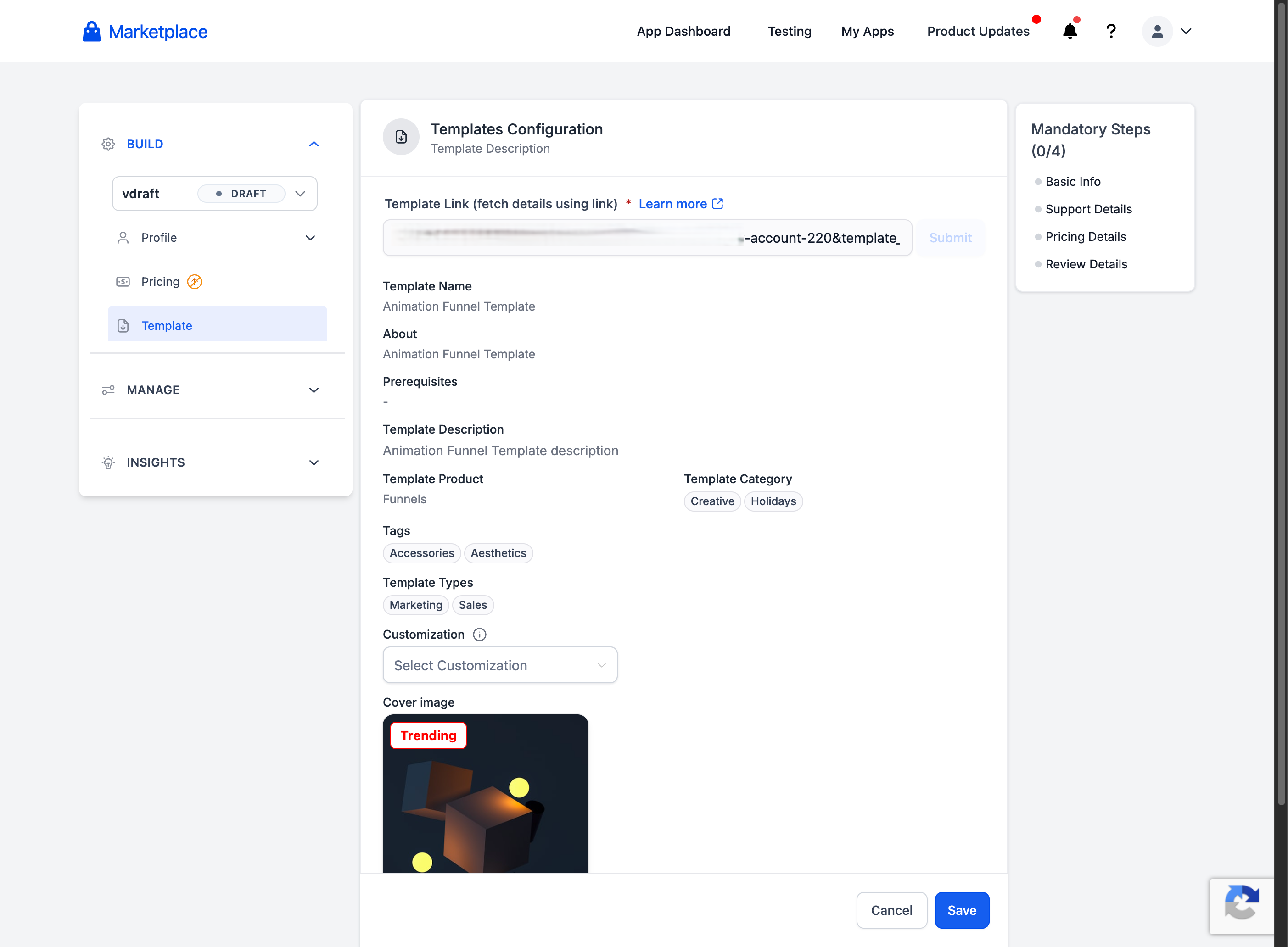
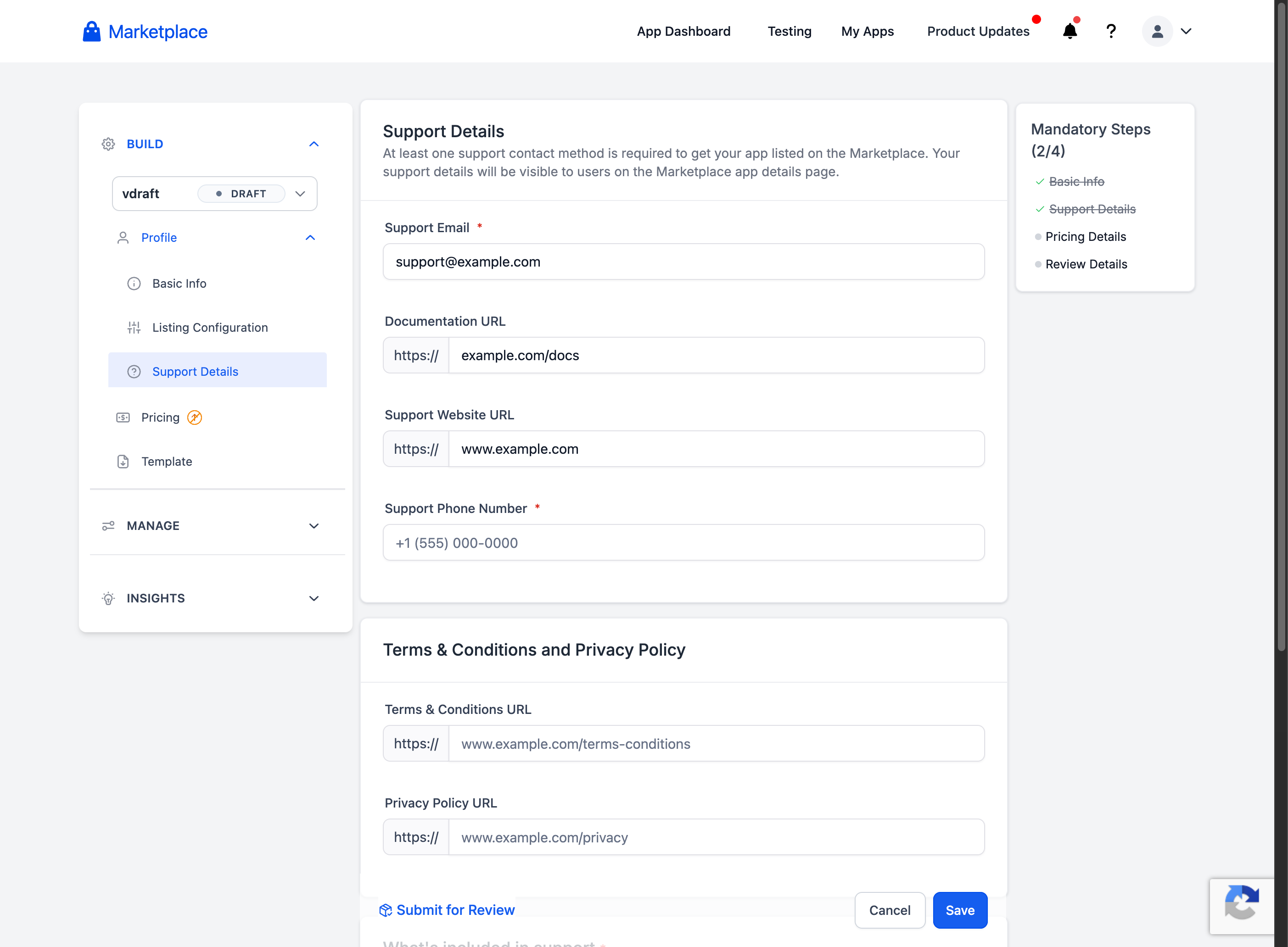
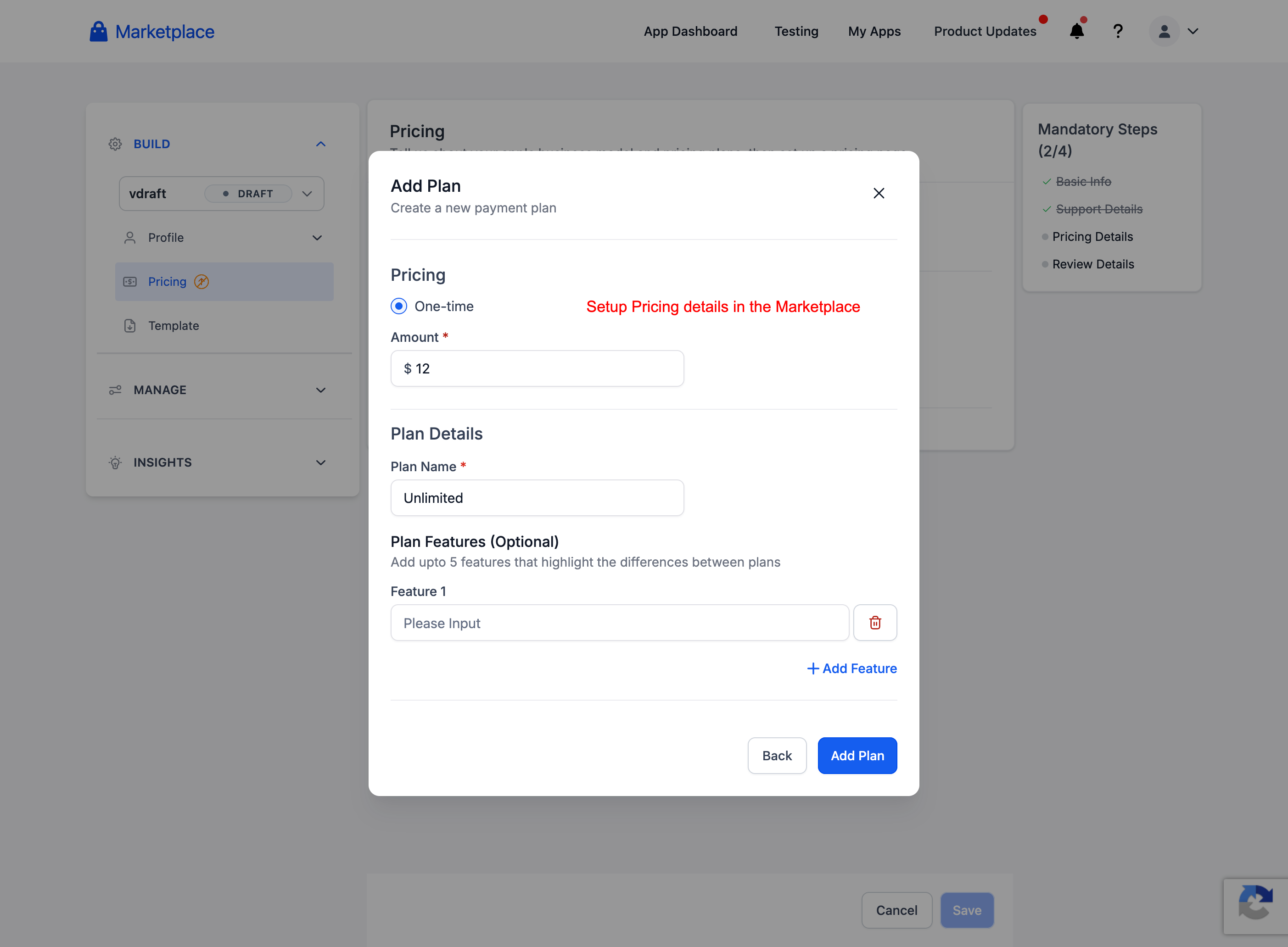
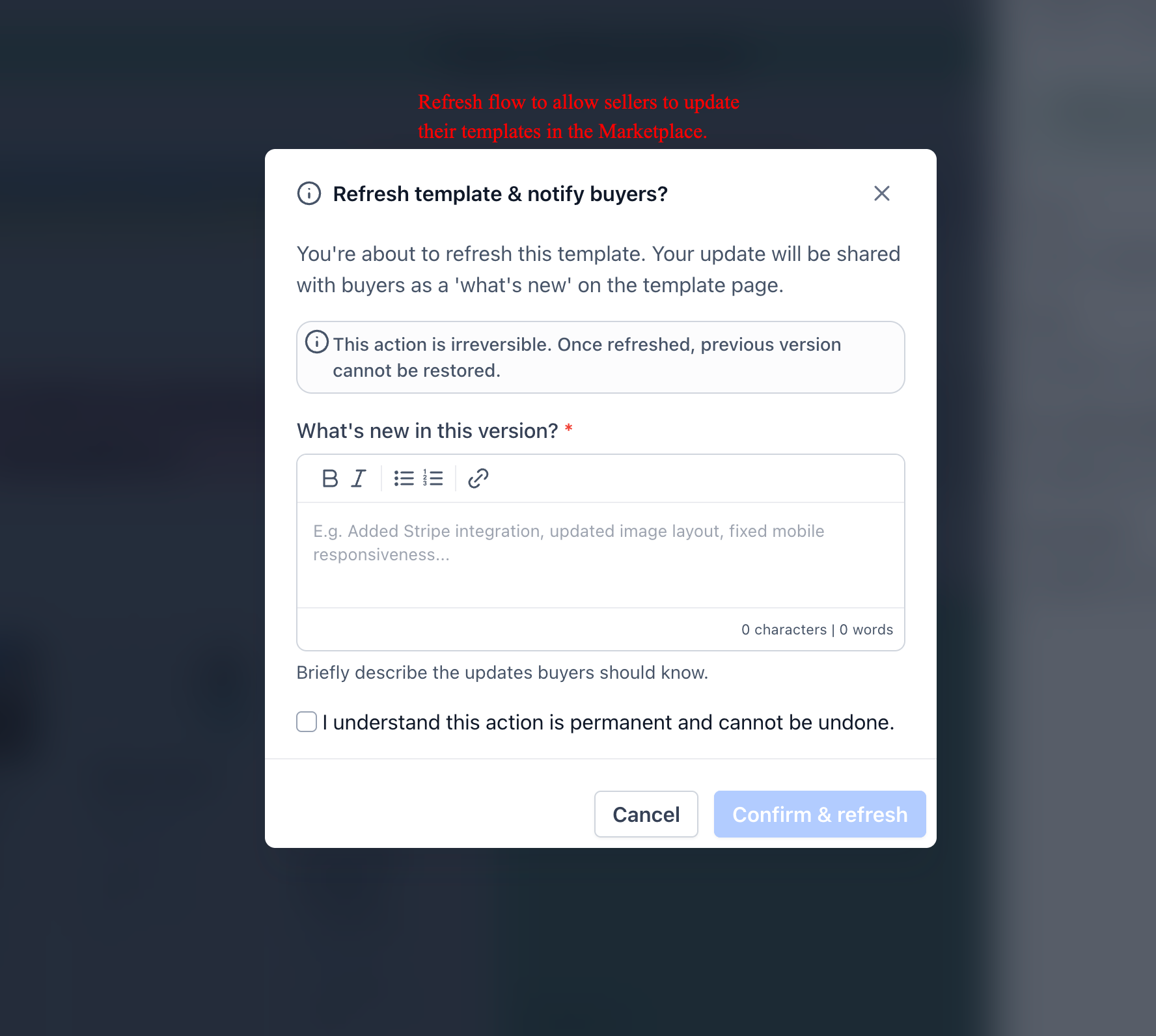
Enabled users/designers to sell templates via “Sell on Marketplace” option
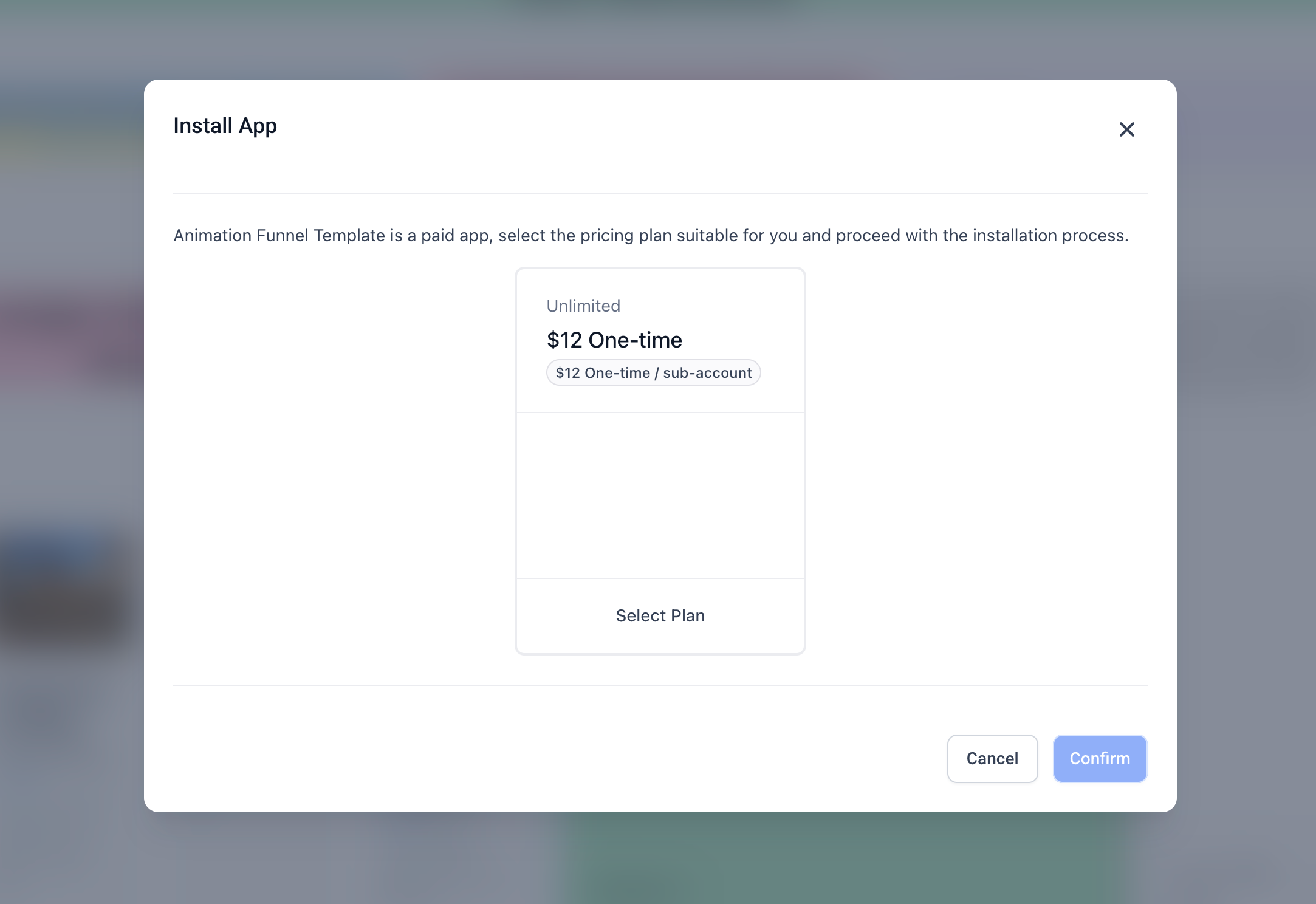
Ensured seamless install via modal without leaving Template Library
Available To:
All users - via Labs
How to Activate:
Go to Labs under settings in account view
Enable Template Marketplace Integration
Benefits :
New revenue: Sell and earn from your templates
More options: Access a wide range of templates
Faster setup: Install and use instantly
Creator friendly: Easy for designers to contribute
All in one place: Discover, buy, and use seamlessly
How to Discover
Go to Template library in account view
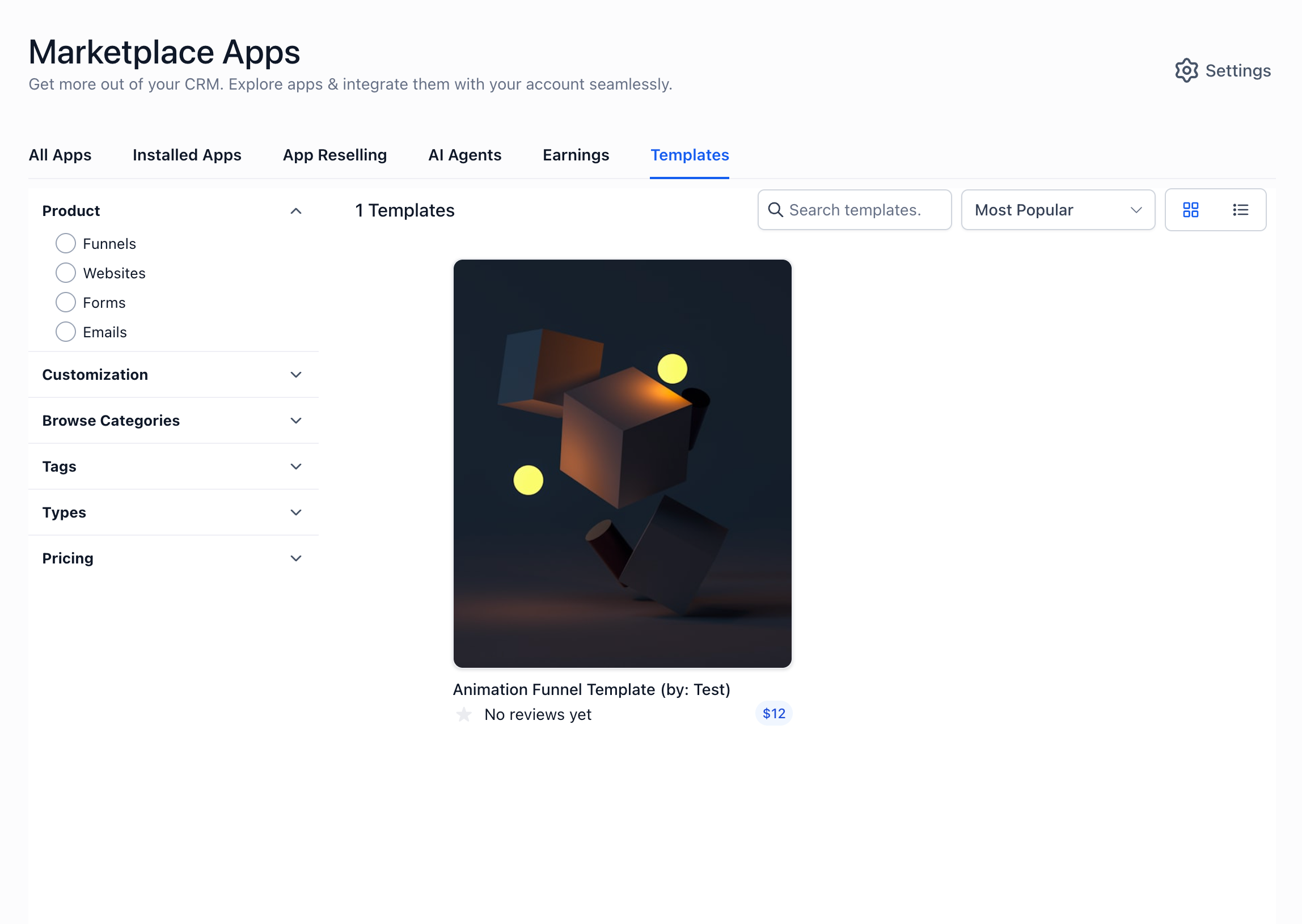
Or Go to App Marketplace templates section
To Install Templates:
Go to marketplace
Browse or search for templates
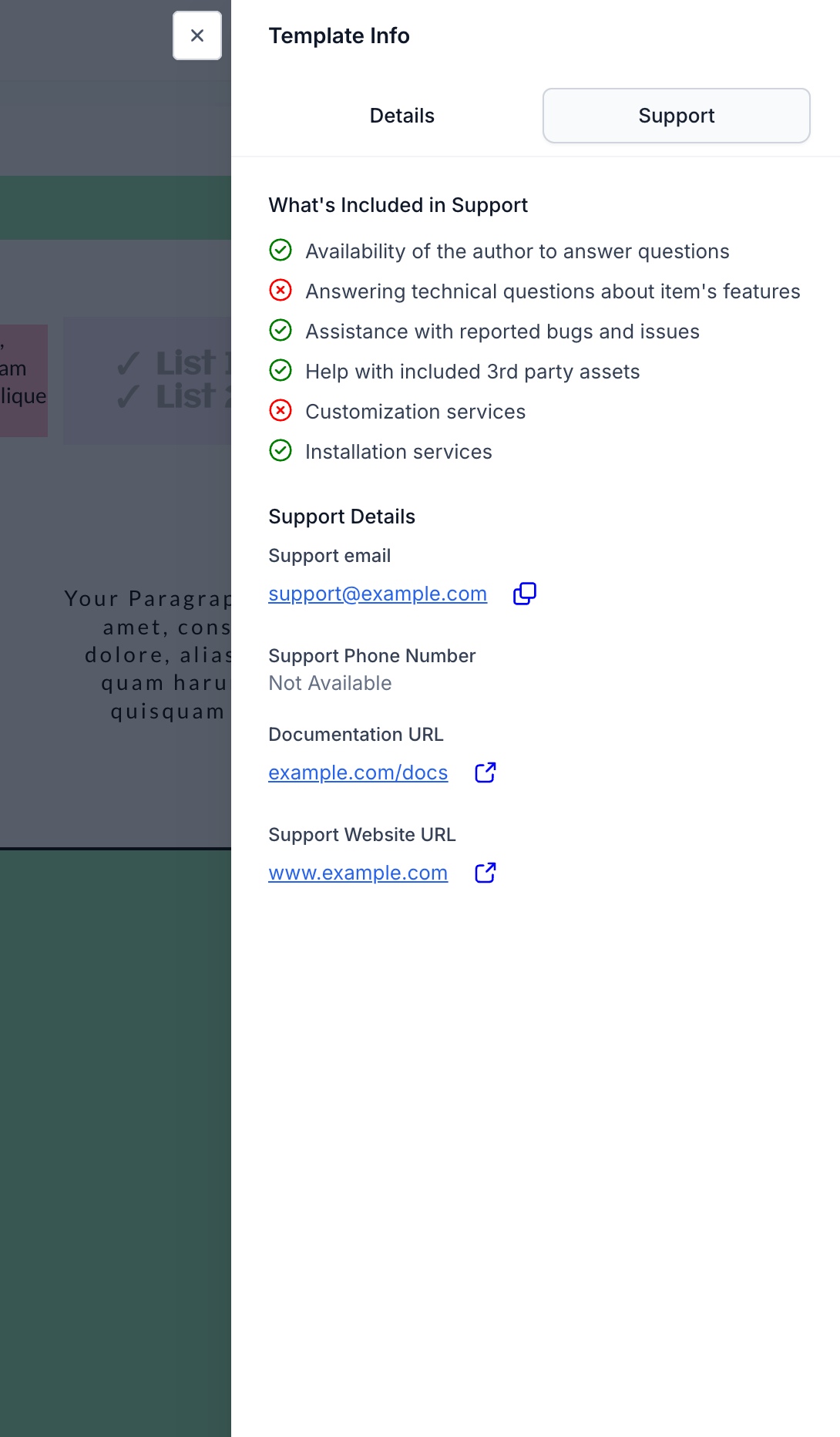
Click on a template to Preview
Click Install (complete payment if applicable)
Access the template in your builder under My Templates
To Sell Templates
Select a template --> Click on preview
Click on 3 dots → Sell on Marketplace
Submit your template for listing
Was this article helpful?
That’s Great!
Thank you for your feedback
Sorry! We couldn't be helpful
Thank you for your feedback
Feedback sent
We appreciate your effort and will try to fix the article